Creating accessible digital content is a shared responsibility. With the new federal requirements coming to effect on April 26, 2027, it’s essential that all UCF digital content meets accessibility standards. Review the First Steps Toward Complying with the Americans with Disabilities Act Title II and explore our trainings, guides, and services to help you build accessible content.
Interested in learning what the new updates are? Learn How to Meet WCAG 2.1 AA
About
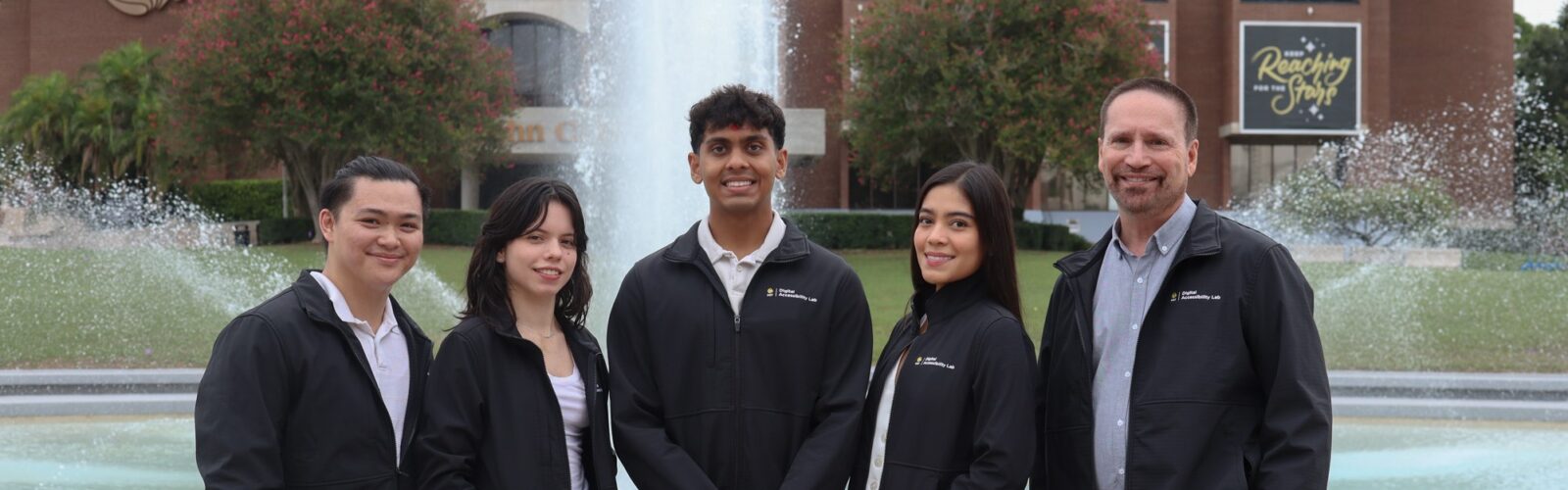
Welcome to UCF’s Digital Accessibility Lab, where access and impact come together! Designed for creators and problem-solvers, this lab serves as a hub for building a more accessible digital community. Whether you’re a student, faculty member, or staff, you’ll discover valuable resources, expert guidance, and ongoing support. Building a digital world that works for everyone is a team effort and we invite all of you to join us. Explore our opportunities for accessibility support, training, and consultations.
Mission
Advancing digital accessibility and Universal Design for Learning through innovation, collaboration, and design, empowering students and the UCF community to create accessible experiences.
Vision
A digital community that ensure equal access and fosters limitless opportunities.
Meet the Team
-
Kevin Price
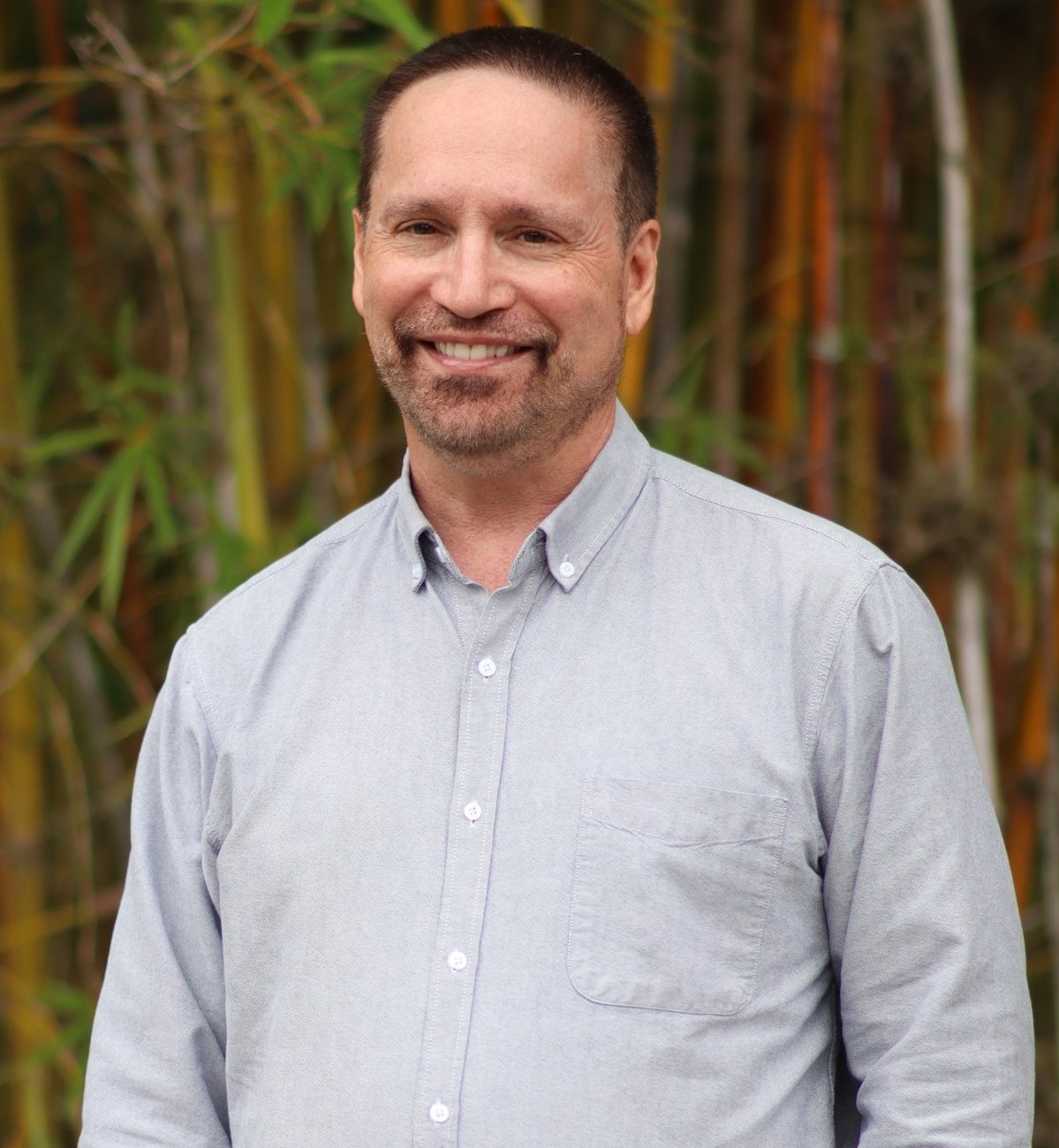 Digital Accessibility Program Manager
 -
Azon Bonifacio
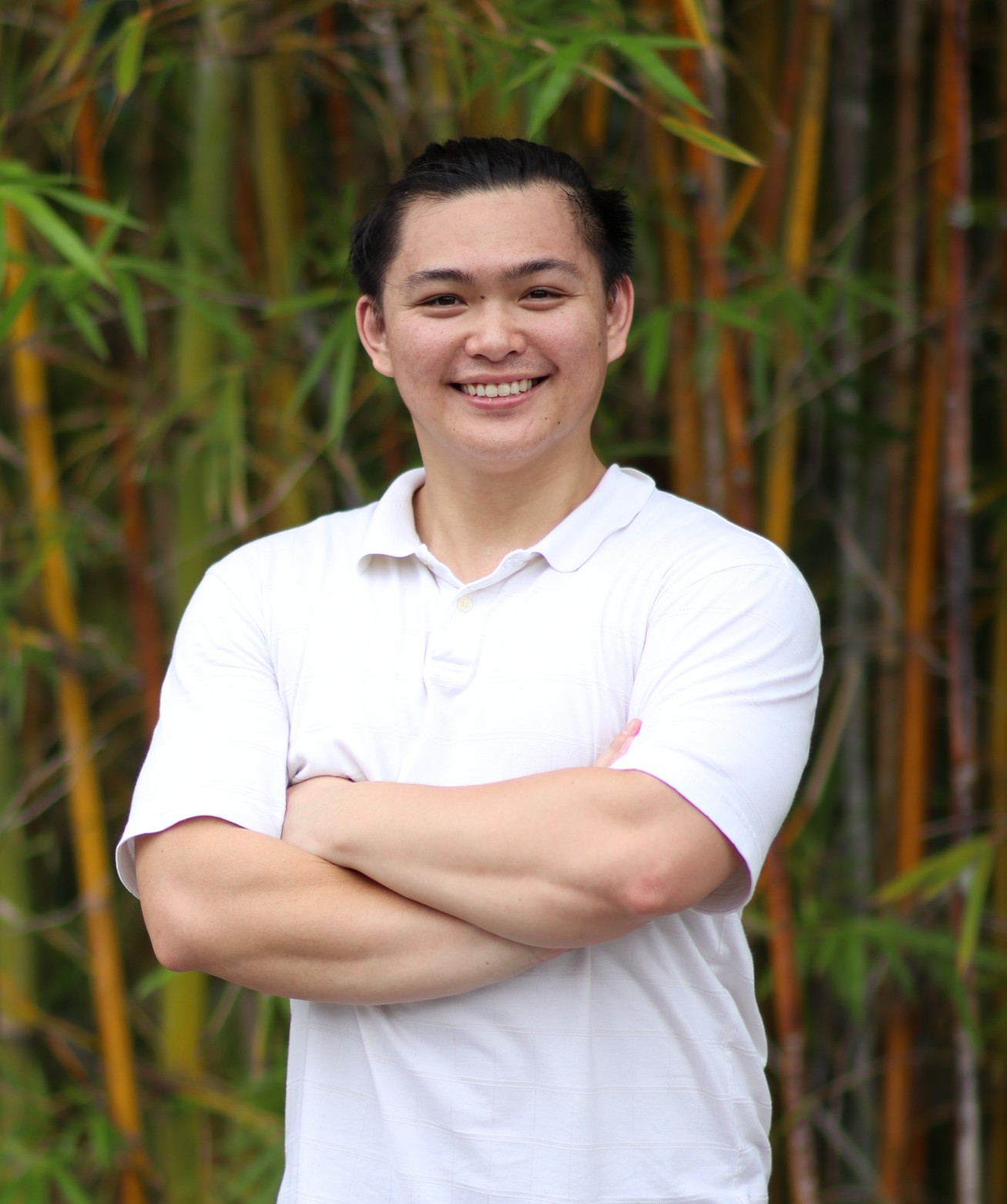 Digital Accessibility Coordinator II
-
Andrea Marcano
 Student Assistant
 -
Keyur Patel
 Student Assistant
 -
Melanie Moreno
 Student Assistant
Services
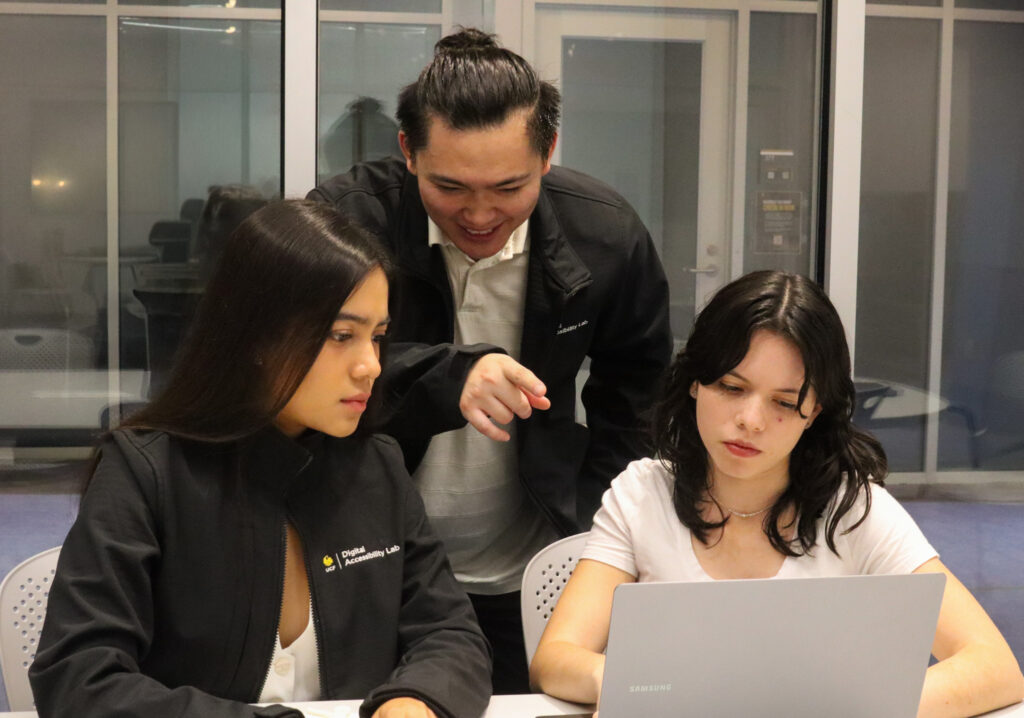
We provide accessibility support through content evaluations, remediation, and consultations to help ensure your digital materials are accessible and compliant with WCAG standards.
For UCF faculty and staff use the options provided to submit your service ticket through TeamDynamix.
For students requesting services or general inquires about our services please email digitalaccessibility@ucf.edu.
Open Lab
The Digital Accessibility Lab offers dedicated open lab time to provide support and general best practices for UCF students and employees without the need for a formal appointment. These sessions are designed for quick questions, guidance, and informal consultations related to digital accessibility. To schedule a formal appointment please email digitalaccessibility@ucf.edu.
Open Lab services are offered on a first-come, first-served basis. Attendees will be placed in a virtual waiting room and will be admitted individually as each session becomes available. Please note that participation in a session is not guaranteed, as availability depends on both the number of attendees and the time required to support those ahead of you.

*Please note that these sessions are subject to change and may be canceled at any time without prior notice or reschedule.
Fall 2026 Open Lab Hours
Fall 2026 open lab will begin Thursday, September 28, 2026
Monday
1 to 3 p.m.
Tuesday
1 to 3 p.m.
No open lab on 11/03
Wednesday
Not Available
Thursday
1 to 3 p.m.
No open lab on 11/05
Friday
Not Available
Trainings and guides
Our trainings offer practical tools and strategies to help you design with accessibility in mind. Whether you’re just starting or looking to expand your skills, you’ll gain hands-on experience in building accessible content.
UCF employees can register for trainings through Workday Learning. Employees will need to search for the desired session to register, while students can join the sessions via the Teams link provided in our schedule with no registration required.
For questions or general inquires about our trainings please email digitalaccessibility@ucf.edu.
Fall 2026 Schedule
|
DATE |
WORKSHOP |
TIME (ET) |
LOCATION |
REGISTER |
|---|---|---|---|---|
|
WED, OCT |
Creating Accessible Designs Using Canva |
3:00 p.m. |
ONLINE |
|
DATE |
WORKSHOP |
TIME (ET) |
LOCATION |
REGISTER |
|---|---|---|---|---|
|
WED, NOV |
Creating Accessible Websites |
3:00 p.m. |
ONLINE |
|
|
WED, NOV |
How to Create Accessible Documents: Microsoft Office |
3:00 p.m. |
ONLINE |
|
DATE |
WORKSHOP |
TIME (ET) |
LOCATION |
REGISTER |
|---|---|---|---|---|
|
WED, DEC |
How to Create Accessible PDFs |
3:00 p.m. |
ONLINE |
|
|
WED, DEC |
Creating Accessible Designs Using Canva |
3:00 p.m. |
ONLINE |
Wed, Oct 14, 3:00 p.m.
How to Create Accessible Videos
Presented by Azon Bonifacio
Online – Microsoft Teams
Wed, Oct 28 · 3:00 p.m.
Creating Accessible Designs Using Canva
Presented by Azon Bonifacih
In Person ·BYC CMMS, Training Room 140
Wed, NOV 4, 3:00 p.m.
Creating Accessible Websites
Presented by Azon Bonifacio
Online – Microsoft Teams
Wed, Nov 18 · 3:00 p.m.
How to Create Accessible Documents: Microsoft Office
Presented by Azon Bonifacih
In Person ·BYC CMMS, Training Room 140
wed, dec 2, 3:00 p.m.
How to Create Accessible PDFs
Presented by Azon Bonifacio
Online – Microsoft Teams
Wed, Dec 9, 3:00 p.m.
Creating Accessible Designs Using Canva
Presented by Azon Bonifacio
Online – Microsoft Teams
|
DATE |
WORKSHOP |
TIME (ET) |
LOCATION |
REGISTER |
|---|---|---|---|---|
|
WED, NOV |
Creating Accessible Websites |
3:00 p.m. |
ONLINE |
|
|
THU, NOV |
Digital Accessibility Workshop |
1:00 p.m. |
HYBRID |
|
|
WED, NOV |
How to Create Accessible Documents: Microsoft Office |
3:00 p.m. |
ONLINE |
|
DATE |
WORKSHOP |
TIME (ET) |
LOCATION |
REGISTER |
|---|---|---|---|---|
|
WED, DEC |
How to Create Accessible PDFs |
3:00 p.m. |
ONLINE |
|
|
WED, DEC |
Creating Accessible Designs Using Canva |
3:00 p.m. |
ONLINE |
Wed, NOV 4, 3:00 p.m.
Creating Accessible Websites
Presented by Azon Bonifacio
Online – Microsoft Teams
Wed, Nov 5 · 1:00 p.m.
Digital Accessibility Workshop
Presented by Kevin Price
Hyrbid ·BYC CMMS, Training Room 140
Wed, Nov 18 · 3:00 p.m.
How to Create Accessible Documents: Microsoft Office
Presented by Azon Bonifacio
In Person ·BYC CMMS, Training Room 140
wed, dec 2, 3:00 p.m.
How to Create Accessible PDFs
Presented by Azon Bonifacio
Online – Microsoft Teams
Wed, Dec 9, 3:00 p.m.
Creating Accessible Designs Using Canva
Presented by Azon Bonifacio
Online – Microsoft Teams
Training Descriptions
Additional Training and Guides
Introduction to Digital Accessibility
This self-paced online course developed by UCF’s Center for Distributed Learning (CDL) is designed for students and employees to introduce them to foundational concepts of digital accessibility. Participants will learn key terminology, common disabilities, assistive technologies, relevant laws and policies, and practical strategies for creating accessible documents, media, and digital content—no prior experience required. Faculty and Staff must register via Workday and Students can self-enroll using the button below.
Siteimprove Training
Strengthen your team’s web accessibility and view our two Siteimprove training recordings and browsing their Learning Hub. One session covers essential admin tools including Site Management, Users/Roles, Groups, Dashboards, Policies, and Reporting. While the second focuses on accessibility scans, interpreting reports, and an overview of AI Remediate. These resources provide practical guidance to help you maintain more accessible, compliant digital content.
UCF Accessibility Guides
Looking for quick guides to make accessible content yourself? Click the button below to access digital accessibility guides and tips from UCF accessibility experts. These guides were developed in collaboration between Center for Distributed Learning, Digital Accessibility Lab, Student Accessibility Services and Office of Nondiscrimination and Accommodation Compliance as an ever-expanding Accessibility at UCF website.
Digital Accessibility Liaisons
Digital accessibility at UCF is a shared, campus‑wide effort, and the Digital Accessibility Liaisons Program helps connect people, resources, and practices that support inclusive digital experiences. Learn how the program builds awareness, collaboration, and proactive accessibility across the university.
Prospective Liaisons
- Employees who create content
- Communicators
- IT Professionals
- Student-facing Roles


PARTNERS AND RESOURCES
Collaboration fuels innovation, and our partners and resources play a vital role in advancing digital accessibility. From offices and departments to support networks and tools, explore the key players working to make technology more inclusive for all Knights.
The Digital Accessibility Lab and Student Accessibility Services: Knowing the Difference
The Digital Accessibility Lab and Student Accessibility Services are part of the Division of Access & Community Engagement, each focusing on different aspects of accessibility:
- The Digital Accessibility Lab
Your resource for inclusive digital design and compliance. We help faculty and staff make digital content accessible for courses, programs, activities, and communications. Contact us for guidance on creating accessible digital content. - Student Accessibility Services
Ensures equal access for students with disabilities through inclusive design and reasonable accommodations. Contact SAS for Student-specific accommodations, classroom accessibility, and campus experience support.
Digital Accessibility News

Industry News + Compliance Guidance
Trump Administration Sued Over Delay Of Accessibility Rules
A lawsuit is challenging recent moves from the Trump administration to postpone two rules mandating greater web accessibility.
June 8, 2026

Commentary/ADA Title II
How an impending digital accessibility compliance deadline impacts all levels of government
Digital accessibility is not a static achievement, but an ongoing commitment to the public that must evolve alongside technology.
May 28, 2026

Laws and Policies
The SAVE America Act Threatens Accessible Voting for People With Disabilities
The SAVE America Act would add strict ID and other requirements that advocates warn could sharply limit voting access for people with disabilities
March 20, 2026